Stop Rebuilding View Templates. Start Reusing Them.
Using view templates in Revit projects is a no-brainer. Managing them is a different story. Unless you have Kinship.
Stop Rebuilding View Templates. Start Reusing Them.
Using view templates in Revit projects is a no-brainer. Managing them is a different story. Unless you have Kinship.
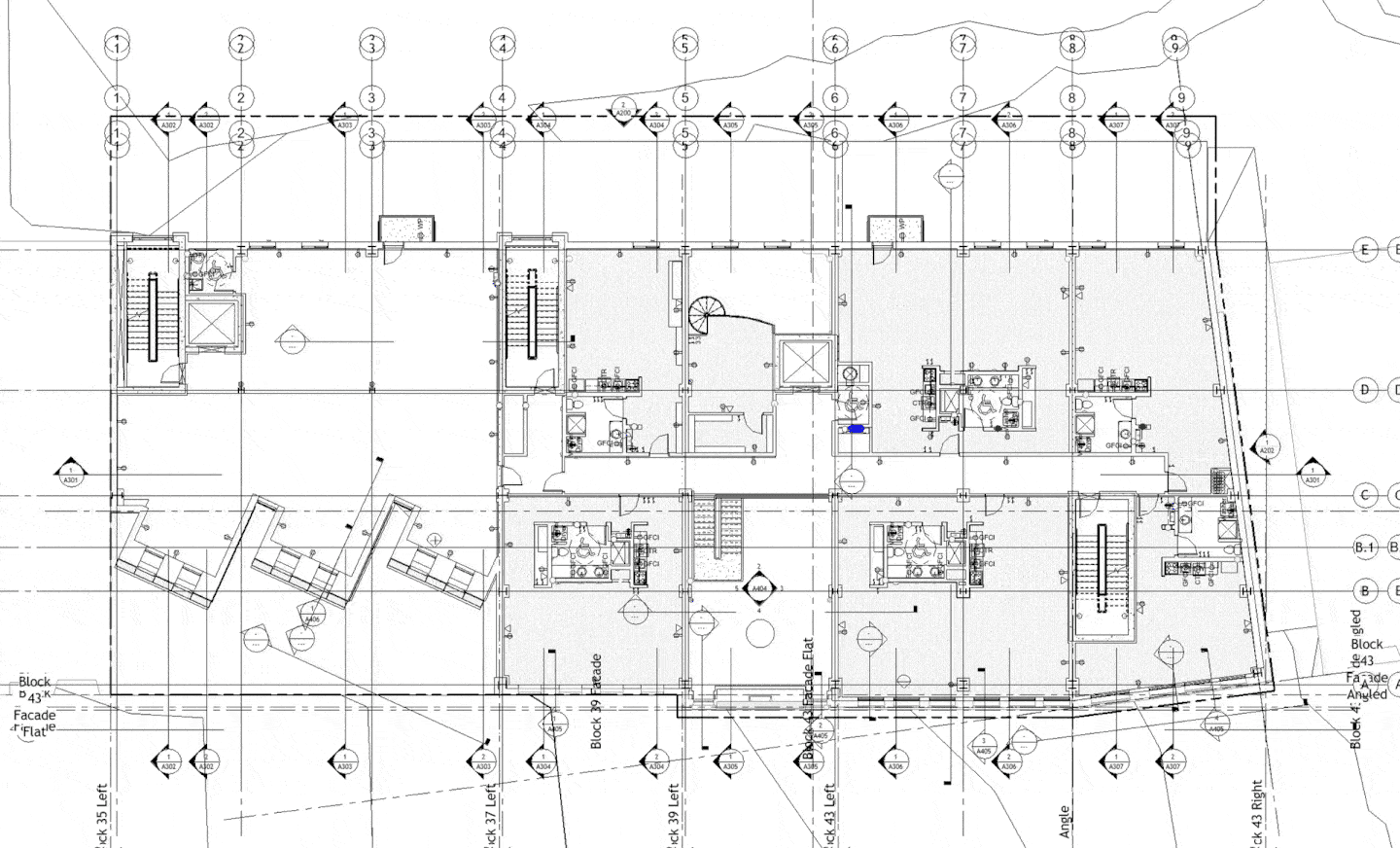
Do you use view templates in Revit? Of course you do! You would be crazy not to.
View templates in Revit are essential to a quality design process and efficient project delivery. They are the backbone of how your drawings look, how your standards are maintained, and ultimately how your firm presents itself to the world.
For architecture practices especially, you simply can't go without them.
View templates are critical for Revit projects
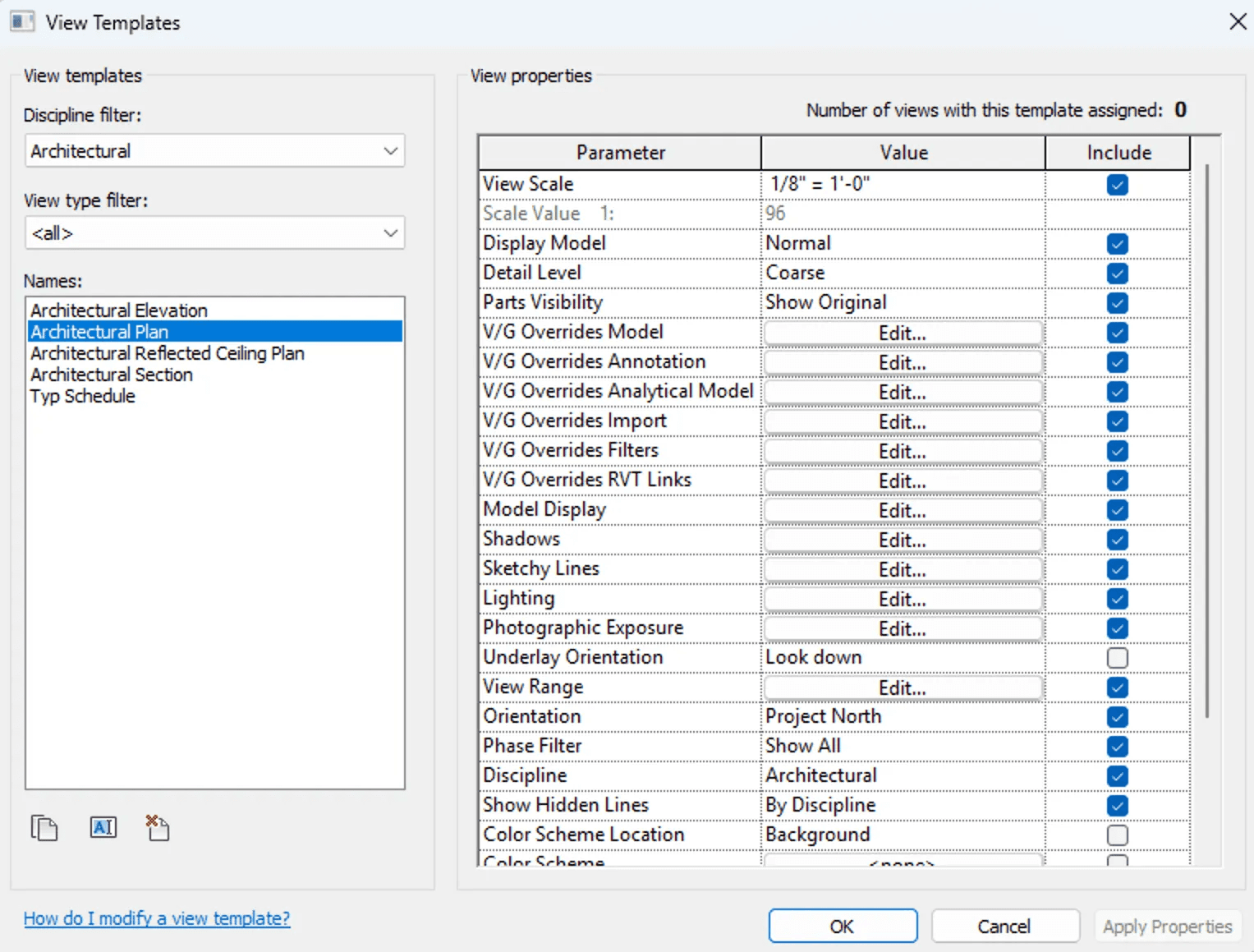
View templates let you control everything about how your views appear on sheets: colors, line styles, filters, linked model visibility, and dozens of other settings. The total number of settings you can control through a view template probably numbers in the hundreds.
If you were to apply all these settings manually to a single view, you'd be looking at hours of work. And that's just one view. On a typical project, you might have dozens—or hundreds—of views that need consistent treatment.
This is where view templates earn their keep. Apply the template once, and every view using it gets the same settings instantly.
Your firm's calling card
When it comes to standards, what we're really talking about is how your drawings are presented. Many architectural firms treat their graphic standards as a calling card—a visual signature that distinguishes their work. Some firms are so protective of their presentation standards that they'll share Revit models but strip out the views, specifically because they don't want others to reverse-engineer how they achieve their look.
That might sound extreme, but it speaks to how much value firms place on their visual identity. Creating really polished, detailed drawing presentations requires deep Revit knowledge, and often involves clever workarounds to achieve effects that Revit doesn't natively support well. That expertise, encoded in view templates, represents real intellectual property.
View templates are how you protect and propagate that investment across every project your firm touches.
Other real-world applications
In addition to maintaining a firm’s “signature style”, there are plenty of other practical applications for view templates that make them indispensable for a smooth design process.
Project Phases
Early in a project—pre-planning, concept design—your drawings need to be more diagrammatic. Less tagging, more visual appeal. You want shadows, you want beauty. As you move into developed design, the requirements shift entirely. Now you're producing floor finish drawings, scoping drawings, coordination sets. Each phase demands different visual treatment, and view templates let you switch contexts without rebuilding everything from scratch.
Drawing Types at Scale
Consider a large residential project. You might have fifteen floor plans that need identical graphic treatment—same line weights, same colors, same filter settings—just showing different levels. The way you manage that efficiently is by building a view template for each drawing type. One template controls all fifteen plans. Change the template, and all fifteen update automatically.
Multi-Building Coordination
Master planning projects often require showing multiple buildings together in combined plans. You might be linking four or five different Revit models into a single view, and you need to shade apartments or units by type, size, or ownership category. View templates let you control how each linked model appears, applying consistent color coding across the entire combined drawing.
Complex Filter Sets
Some view templates contain thirty or more filters, each targeting specific parameter values to control element appearance. Wall fire ratings displayed in specific colors. Structural elements half-toned. MEP systems color-coded by discipline. All of this complexity can live in a view template to ensure consistency.
A floor plan shown three ways – with no view template applied, with a coordination view template, and with a presentation view template.
Managing view templates is hard…
While using view templates in Revit might be a no-brainer, managing them across projects and an entire firm is a big brainer – definitely a headache, and maybe even a migraine.
The traditional approach is to build your standard view templates into your Revit project template. Start every project from that template, and your view templates come along for the ride. This works fine, until it doesn't.
The problem is that standards evolve. Project requirements vary. What worked for last year's residential tower doesn't quite fit this year's mixed-use development. You find yourself wanting to pull view templates from a recent similar project rather than from your generic template.
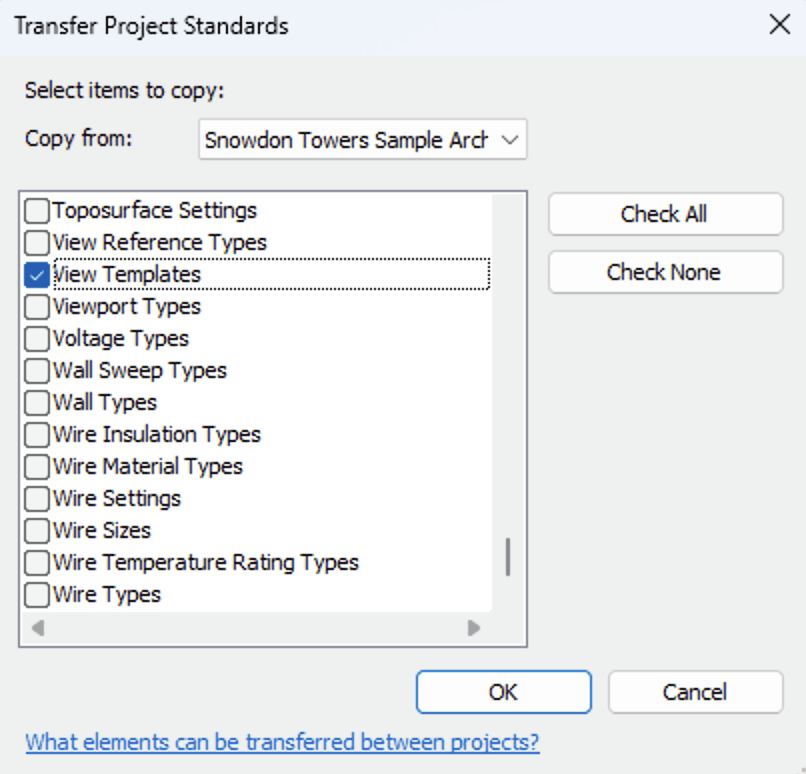
Revit's Transfer Project Standards feature lets you do this, but it's clunky. It's all or nothing—you can't selectively transfer just the view templates you want. There are third-party plugins that help, but they require you to have both projects open and manually manage the transfer.
…Unless you have Kinship
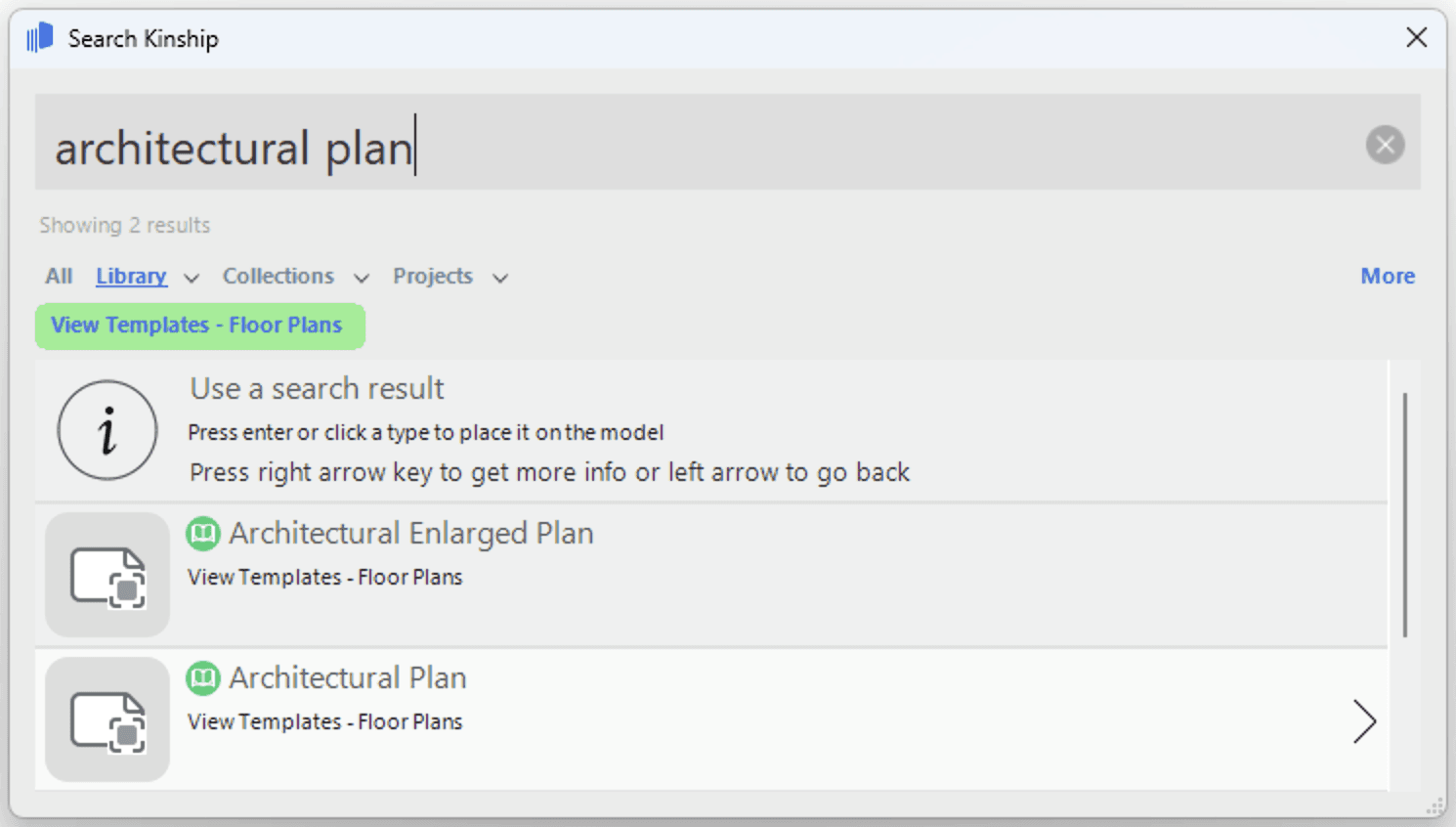
What's missing is a central library where all your view templates live, organized and searchable, ready to drop into any project at any time. And it would be ideal if you could easily update that library with new versions of specific templates as they evolve from project to project.
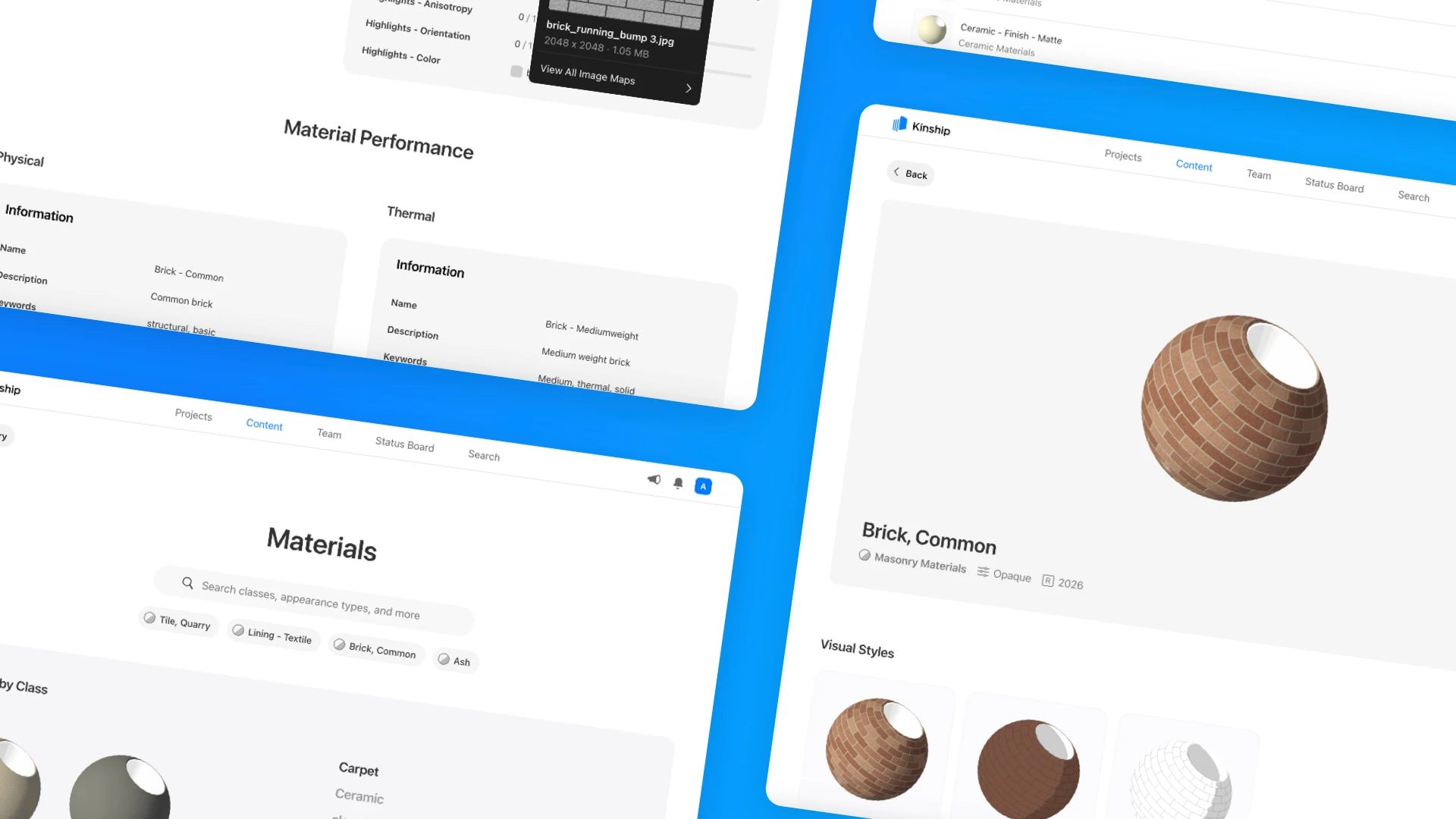
That's exactly what Kinship does. It lets you harvest view templates from across your projects and make them available in a central library. Instead of hunting through old project files or maintaining multiple Revit templates, you have a single source of truth for your firm's view template standards.
Need the view templates from that healthcare project you finished last quarter? They're in Kinship. Want to grab the presentation-quality templates your London office developed? Available in the same library. Starting a new project that's similar to something you did two years ago? Pull the relevant view templates directly, without opening the old project file.
This is content management applied to one of Revit's most powerful but underutilized features. Your view templates become a managed asset, not scattered artifacts buried in project files.
Getting Started
If you're already using Kinship, your admins may have already put your projects’ view templates into your library. Take a look at what's there—you might be surprised at the depth of standards your firm has developed over the years.
If you're not yet using Kinship, consider what centralized view template management could mean for your practice. Consistent standards across offices. Faster project setup. The ability to leverage your best work on every new project.
View templates are too important to leave scattered across project files. It's time to bring them into the library where they belong.
Do you use view templates in Revit? Of course you do! You would be crazy not to.
View templates in Revit are essential to a quality design process and efficient project delivery. They are the backbone of how your drawings look, how your standards are maintained, and ultimately how your firm presents itself to the world.
For architecture practices especially, you simply can't go without them.
View templates are critical for Revit projects
View templates let you control everything about how your views appear on sheets: colors, line styles, filters, linked model visibility, and dozens of other settings. The total number of settings you can control through a view template probably numbers in the hundreds.
If you were to apply all these settings manually to a single view, you'd be looking at hours of work. And that's just one view. On a typical project, you might have dozens—or hundreds—of views that need consistent treatment.
This is where view templates earn their keep. Apply the template once, and every view using it gets the same settings instantly.
Your firm's calling card
When it comes to standards, what we're really talking about is how your drawings are presented. Many architectural firms treat their graphic standards as a calling card—a visual signature that distinguishes their work. Some firms are so protective of their presentation standards that they'll share Revit models but strip out the views, specifically because they don't want others to reverse-engineer how they achieve their look.
That might sound extreme, but it speaks to how much value firms place on their visual identity. Creating really polished, detailed drawing presentations requires deep Revit knowledge, and often involves clever workarounds to achieve effects that Revit doesn't natively support well. That expertise, encoded in view templates, represents real intellectual property.
View templates are how you protect and propagate that investment across every project your firm touches.
Other real-world applications
In addition to maintaining a firm’s “signature style”, there are plenty of other practical applications for view templates that make them indispensable for a smooth design process.
Project Phases
Early in a project—pre-planning, concept design—your drawings need to be more diagrammatic. Less tagging, more visual appeal. You want shadows, you want beauty. As you move into developed design, the requirements shift entirely. Now you're producing floor finish drawings, scoping drawings, coordination sets. Each phase demands different visual treatment, and view templates let you switch contexts without rebuilding everything from scratch.
Drawing Types at Scale
Consider a large residential project. You might have fifteen floor plans that need identical graphic treatment—same line weights, same colors, same filter settings—just showing different levels. The way you manage that efficiently is by building a view template for each drawing type. One template controls all fifteen plans. Change the template, and all fifteen update automatically.
Multi-Building Coordination
Master planning projects often require showing multiple buildings together in combined plans. You might be linking four or five different Revit models into a single view, and you need to shade apartments or units by type, size, or ownership category. View templates let you control how each linked model appears, applying consistent color coding across the entire combined drawing.
Complex Filter Sets
Some view templates contain thirty or more filters, each targeting specific parameter values to control element appearance. Wall fire ratings displayed in specific colors. Structural elements half-toned. MEP systems color-coded by discipline. All of this complexity can live in a view template to ensure consistency.
A floor plan shown three ways – with no view template applied, with a coordination view template, and with a presentation view template.
Managing view templates is hard…
While using view templates in Revit might be a no-brainer, managing them across projects and an entire firm is a big brainer – definitely a headache, and maybe even a migraine.
The traditional approach is to build your standard view templates into your Revit project template. Start every project from that template, and your view templates come along for the ride. This works fine, until it doesn't.
The problem is that standards evolve. Project requirements vary. What worked for last year's residential tower doesn't quite fit this year's mixed-use development. You find yourself wanting to pull view templates from a recent similar project rather than from your generic template.
Revit's Transfer Project Standards feature lets you do this, but it's clunky. It's all or nothing—you can't selectively transfer just the view templates you want. There are third-party plugins that help, but they require you to have both projects open and manually manage the transfer.
…Unless you have Kinship
What's missing is a central library where all your view templates live, organized and searchable, ready to drop into any project at any time. And it would be ideal if you could easily update that library with new versions of specific templates as they evolve from project to project.
That's exactly what Kinship does. It lets you harvest view templates from across your projects and make them available in a central library. Instead of hunting through old project files or maintaining multiple Revit templates, you have a single source of truth for your firm's view template standards.
Need the view templates from that healthcare project you finished last quarter? They're in Kinship. Want to grab the presentation-quality templates your London office developed? Available in the same library. Starting a new project that's similar to something you did two years ago? Pull the relevant view templates directly, without opening the old project file.
This is content management applied to one of Revit's most powerful but underutilized features. Your view templates become a managed asset, not scattered artifacts buried in project files.
Getting Started
If you're already using Kinship, your admins may have already put your projects’ view templates into your library. Take a look at what's there—you might be surprised at the depth of standards your firm has developed over the years.
If you're not yet using Kinship, consider what centralized view template management could mean for your practice. Consistent standards across offices. Faster project setup. The ability to leverage your best work on every new project.
View templates are too important to leave scattered across project files. It's time to bring them into the library where they belong.


Kinship
The best way to manage Revit content
Kinship
The best way to manage Revit content
Kinship
The best way to manage Revit content
Similar Articles


Never miss an update with our monthly newsletter
Get the latest company news, product updates, blog posts and free Revit content from Kinship. Delivered directly to your inbox no more than once a month.
By submitting your email, you agree to receive newsletter emails.
Support
Never miss an update with our monthly newsletter
Get the latest company news, product updates, blog posts and free Revit content from Kinship. Delivered directly to your inbox no more than once a month.
By submitting your email, you agree to receive newsletter emails.
Support
Never miss an update with our monthly newsletter
Get the latest company news, product updates, blog posts and free Revit content from Kinship. Delivered directly to your inbox no more than once a month.
By submitting your email, you agree to receive newsletter emails.
Support